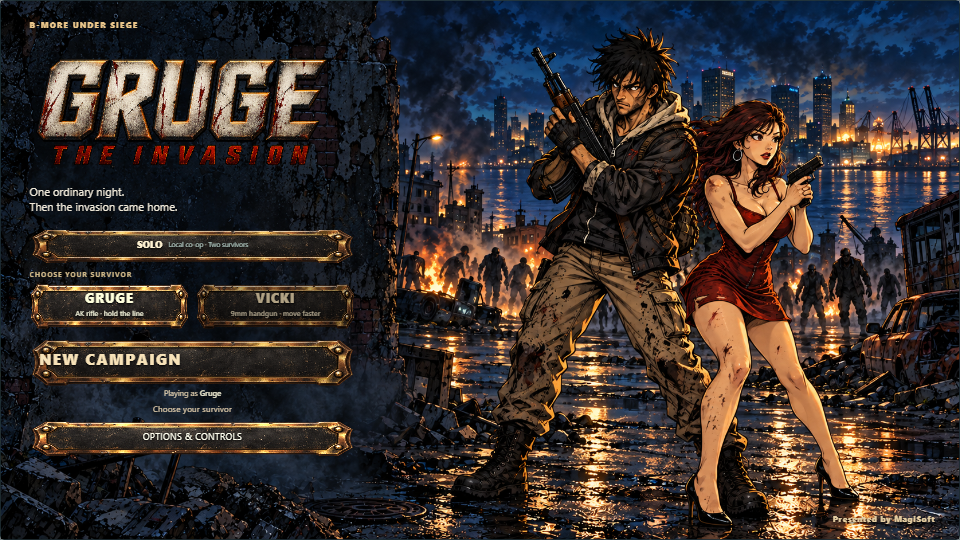
Sometimes you want to keep one moment from B-more: a city view, a conversation or the survivors catching their breath. Gruge now has a PNG screenshot control directly below the game window.
Save the view you are playing
Choose SCREENSHOT PNG directly below the game, or press F9 while the game has focus. The button stays available without opening a menu or pausing. The browser downloads a file named for the current capture. The control uses the game's existing painted button artwork.
15 October 2026 placement update: The screenshot control now sits below the game window so it is easy to find while the game itself remains clear.
The capture combines the painted game frame with its visible interface, including the title, dialogue, menus and map. A screenshot freezes that view before PNG encoding begins. Its own capture button and progress notice stay out of the saved picture.
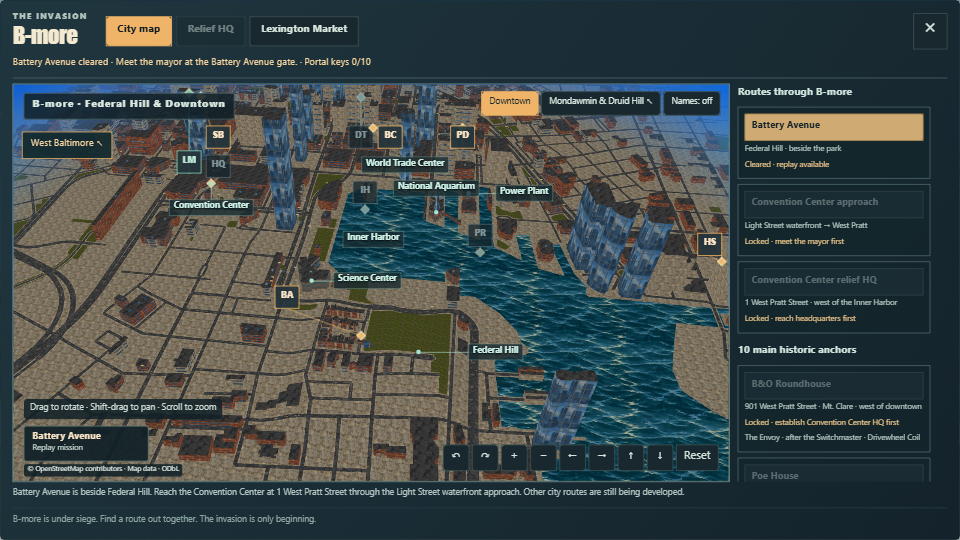
The update also keeps the map and market's WebGL views available for capture. Fonts and painted UI layers are prepared before the control becomes ready, so the file can include those details along with the background and characters.
Keep exploring Baltimore
Saving a PNG does not select a mission, spend supplies or advance the story. Existing recordings, artwork, campaign progress and placement notes remain in place. The ten-relic campaign and the normal four-prior-relic entry requirement for Fort McHenry are unchanged.